How do I choose or change a plan?
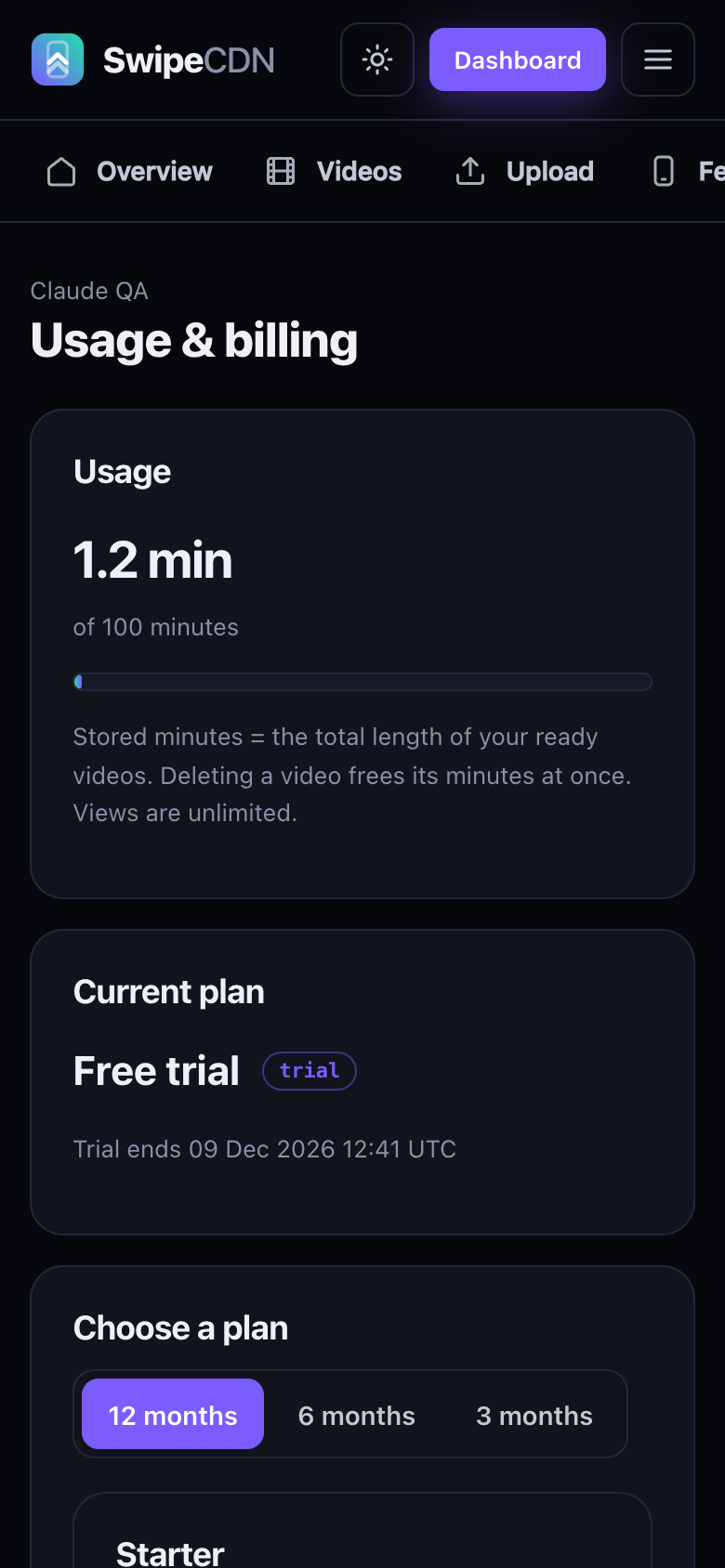
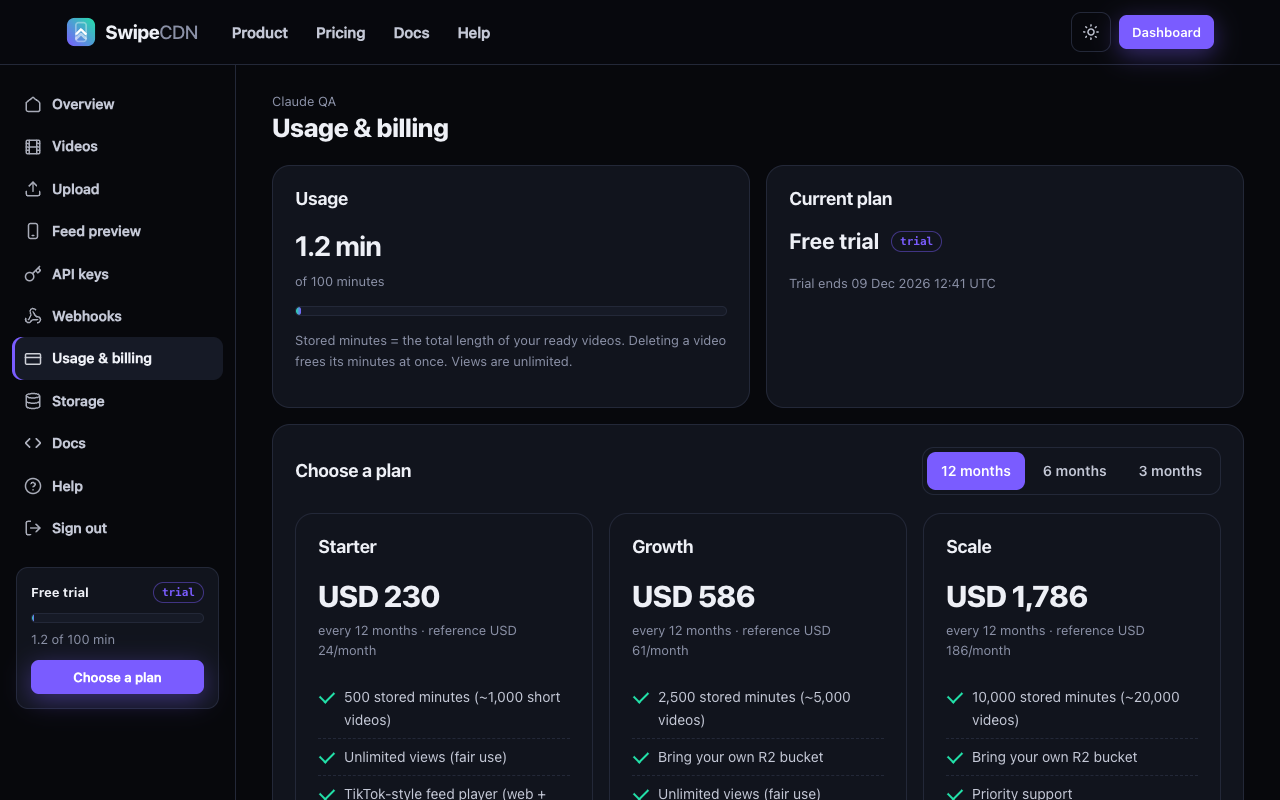
- Open «Usage & billing».
- Pick the term: 1, 2 or 3 years. The 3-year term has the biggest discount.
- Tap «Select» on the plan you want.
- Tap «Continue to payment».
- Pay in the secure payment form that opens on the same page — by card or Apple Pay. Your bank may ask you to confirm.
- The plan starts as soon as our server receives the payment confirmation. If the form does not load, the payment page opens full screen instead.
Prices are in US dollars for every country, and the amount you see is the amount charged.