How do I get a secret key for the API?
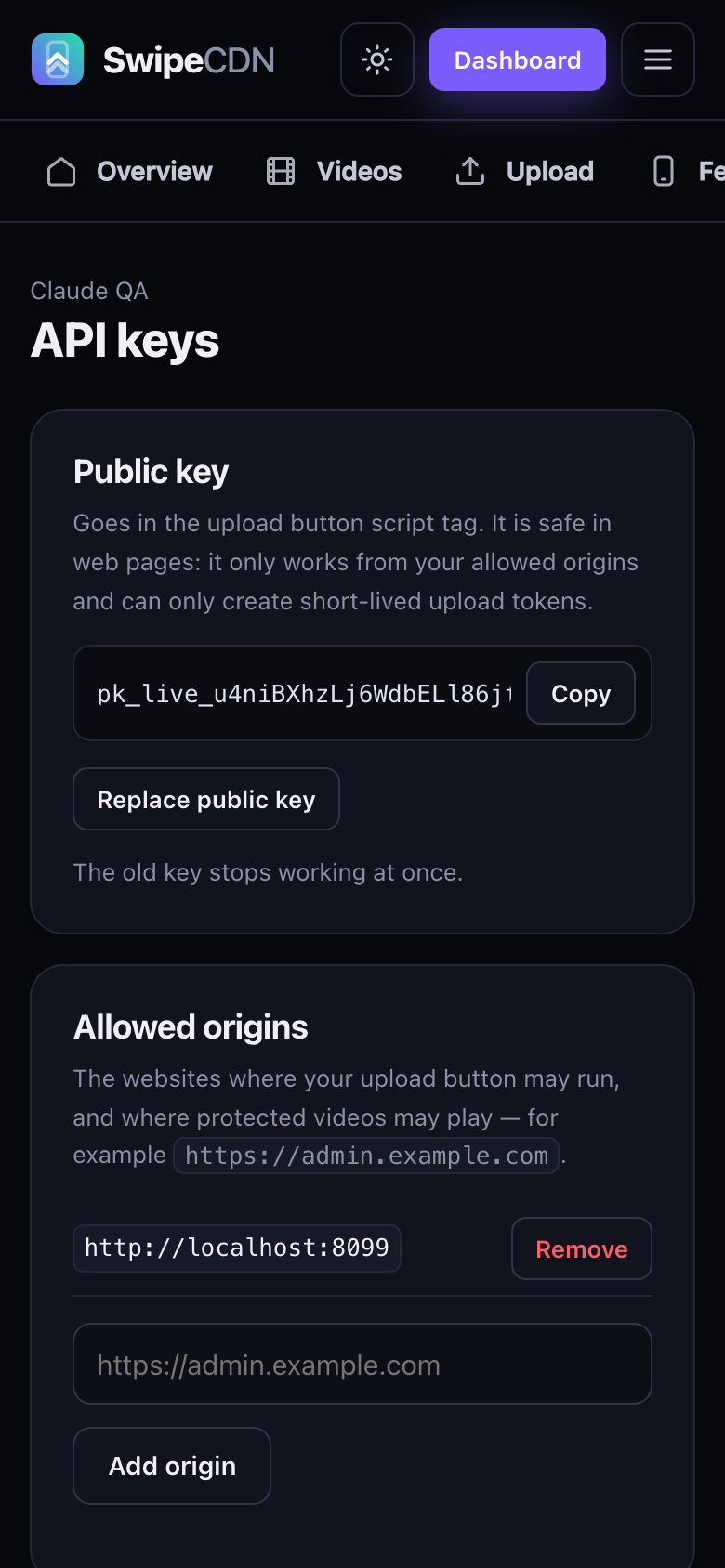
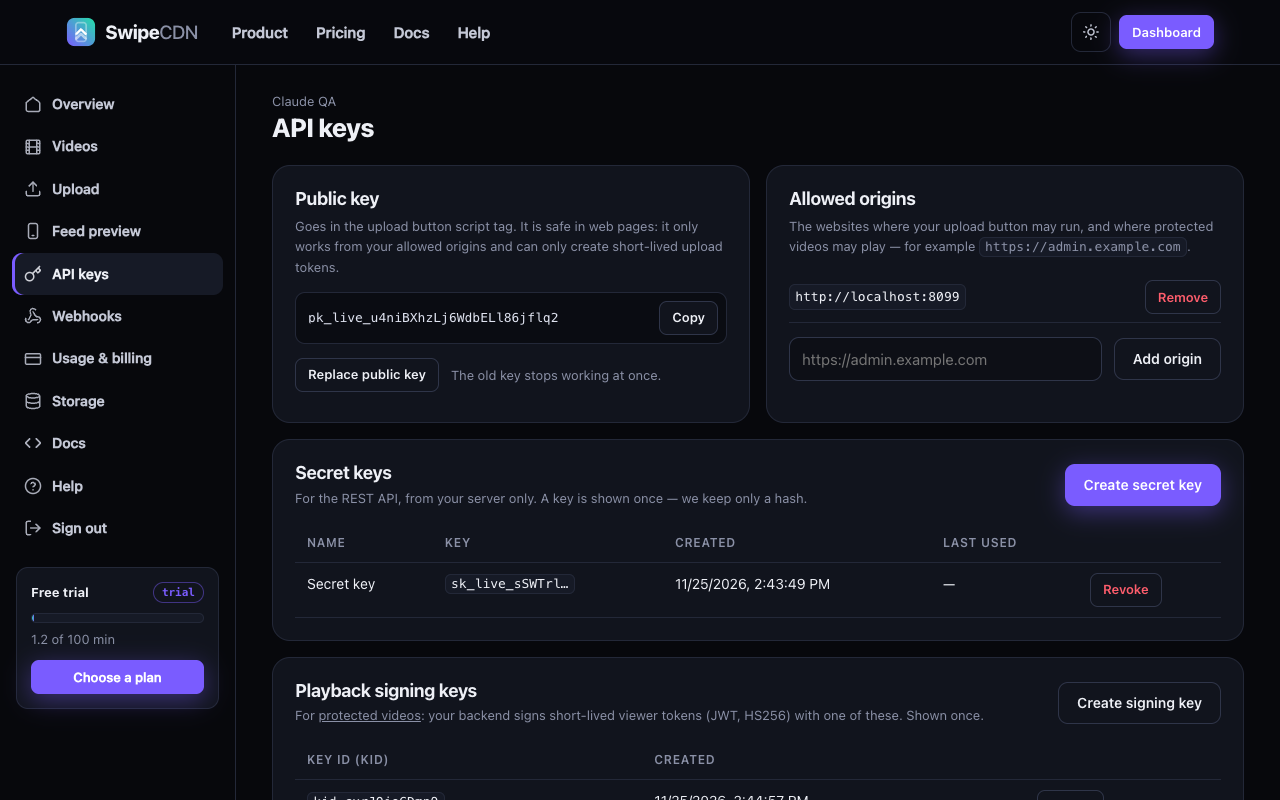
- Open «API keys».
- Tap «Create secret key».
- Copy the key at once and store it on your server — it is shown only once.
- Send it as «Authorization: Bearer sk_live_…» to the REST API.
Lost a key? Revoke it and create a new one.