How do I create a SwipeCDN account?
- Open the SwipeCDN website and tap «Start free».
- Enter your name, company (optional) and work e-mail, then tap «Create account».
- Open the e-mail from SwipeCDN and type the 6-digit code — or tap the code your phone suggests above the keyboard. It submits by itself.
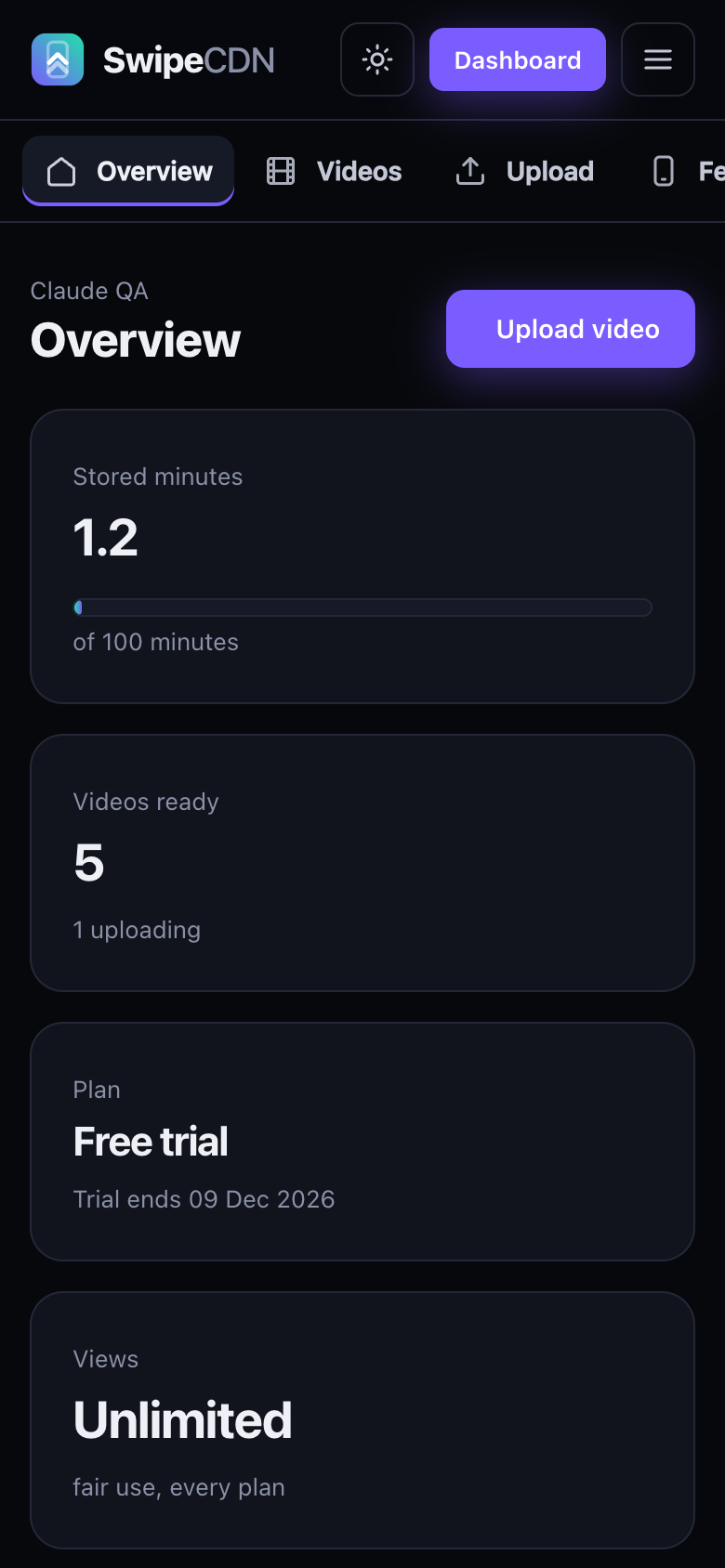
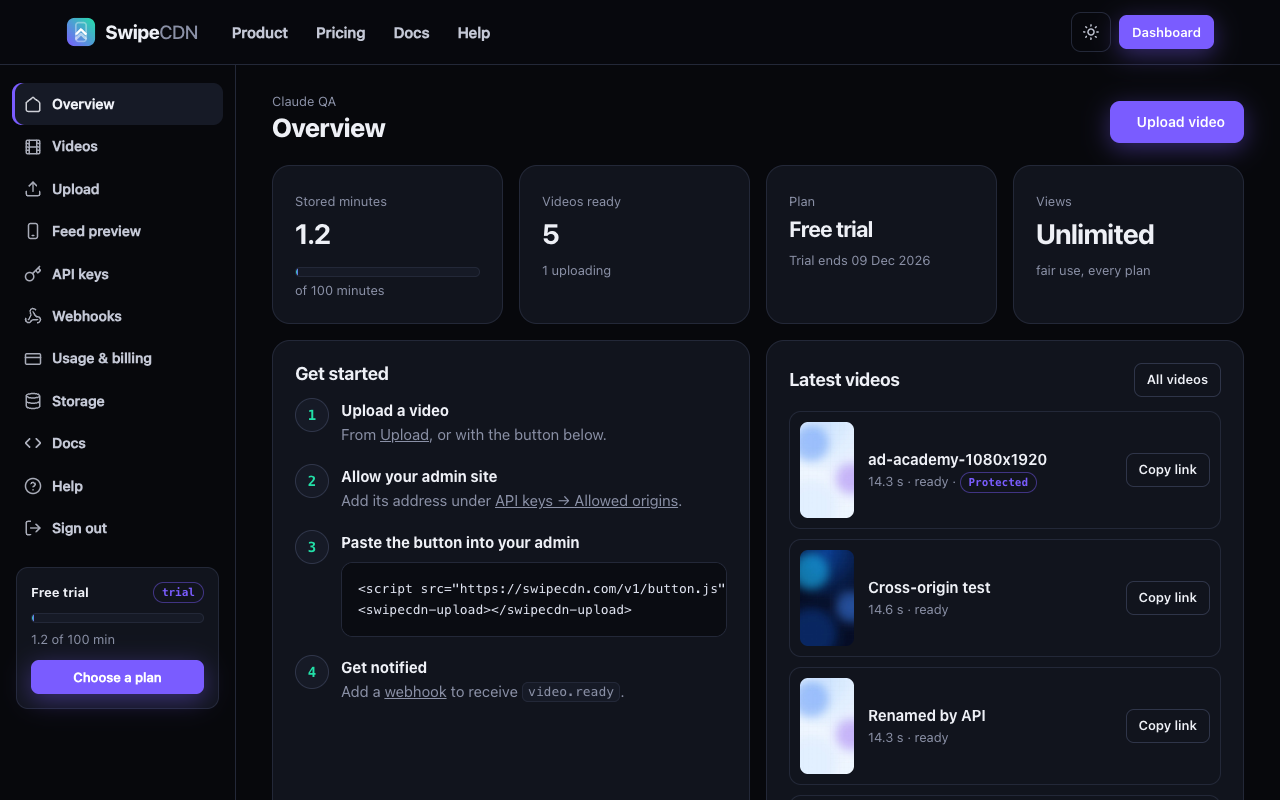
- You land in your dashboard with a 14-day trial and 100 free minutes.
No password and no card are needed.