How do I sign in?
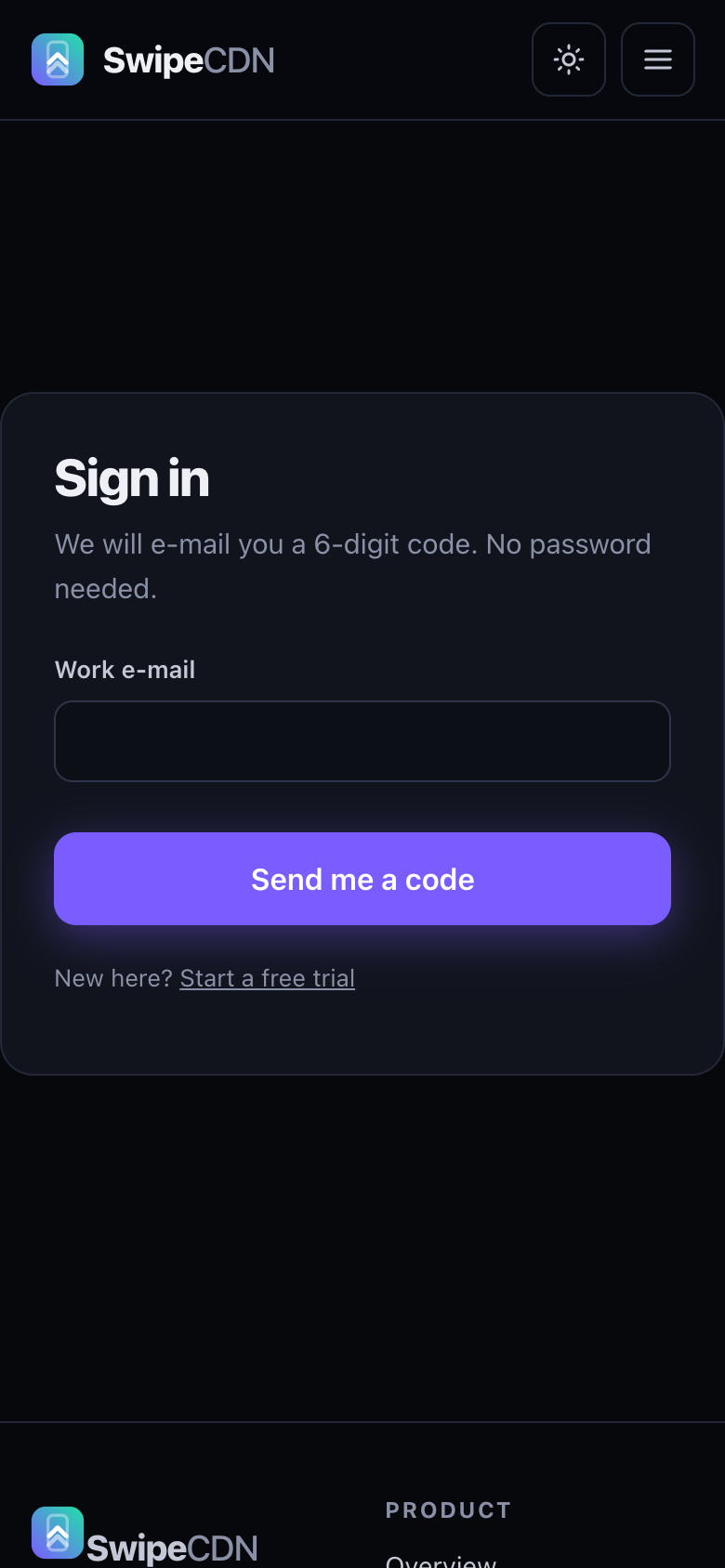
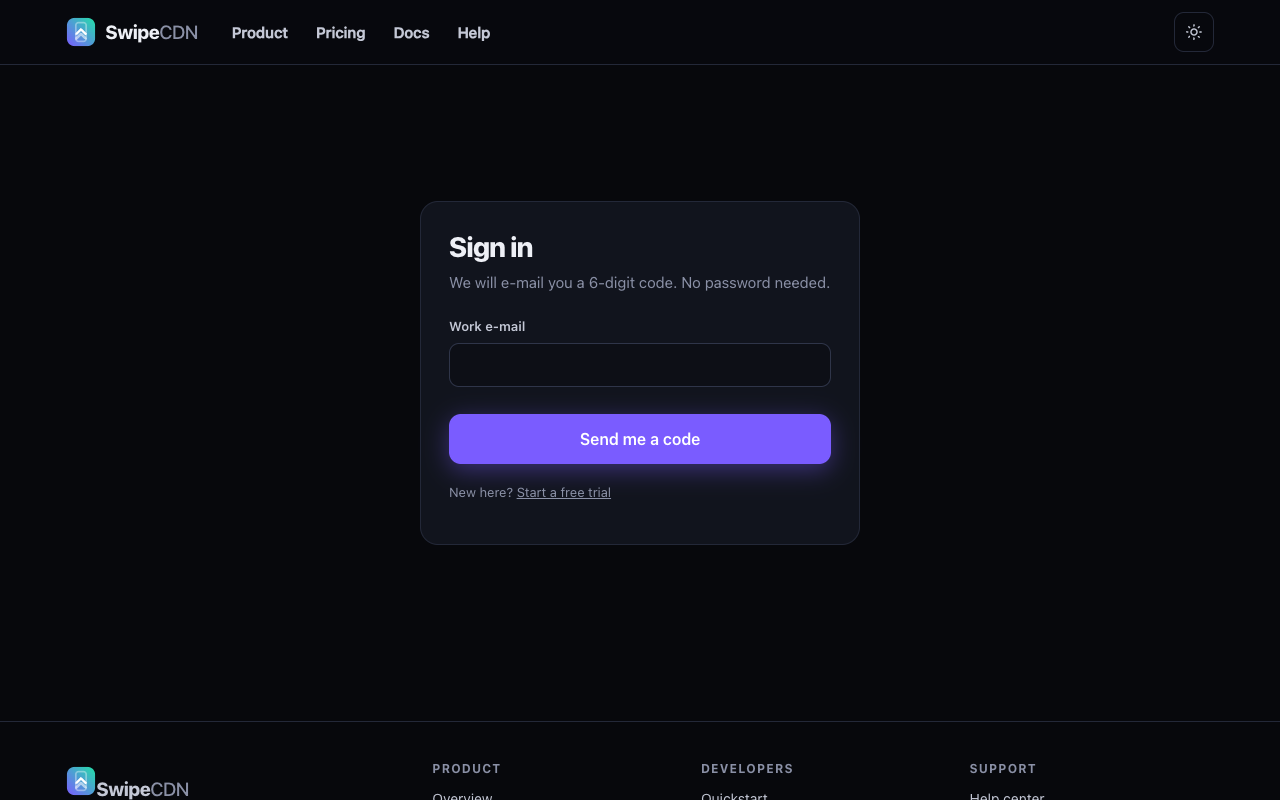
- Tap «Sign in» at the top of any page.
- Enter the e-mail you signed up with and tap «Send me a code».
- Type the 6-digit code from the e-mail, or paste it — the form submits as soon as all 6 digits are in.
Codes expire after 10 minutes. After 5 wrong tries, ask for a new code.