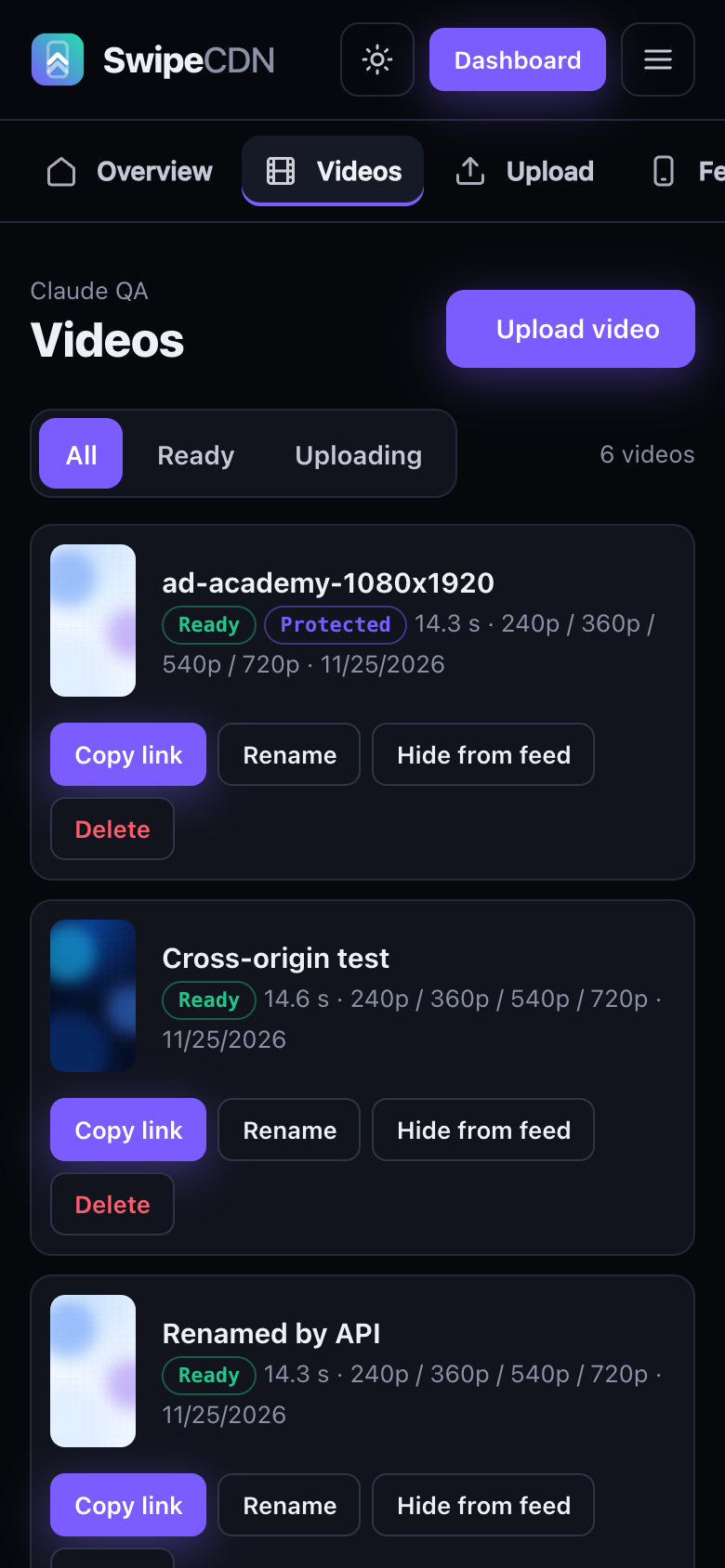
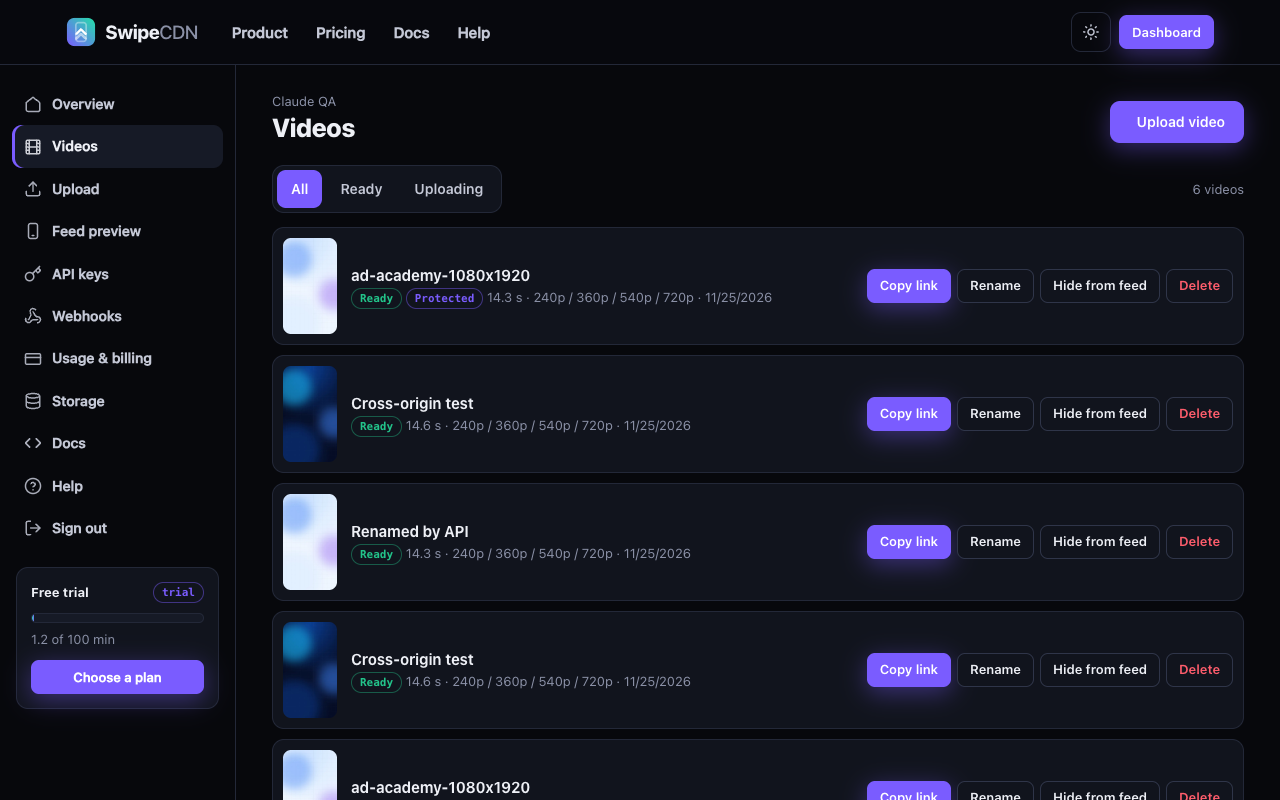
Which link do I use to play a video?
- Open «Videos» and tap «Copy link» on the video.
- Use «Playback URL» with our players or your own code — it lists every quality, the poster and a placeholder.
- Use «HLS stream» in any HLS player (iOS, Android, hls.js).
- Use «MP4 fallback» only where streaming is not available.
- Use «Watch page» to share or embed the video as it is.