Help center › Playback & players

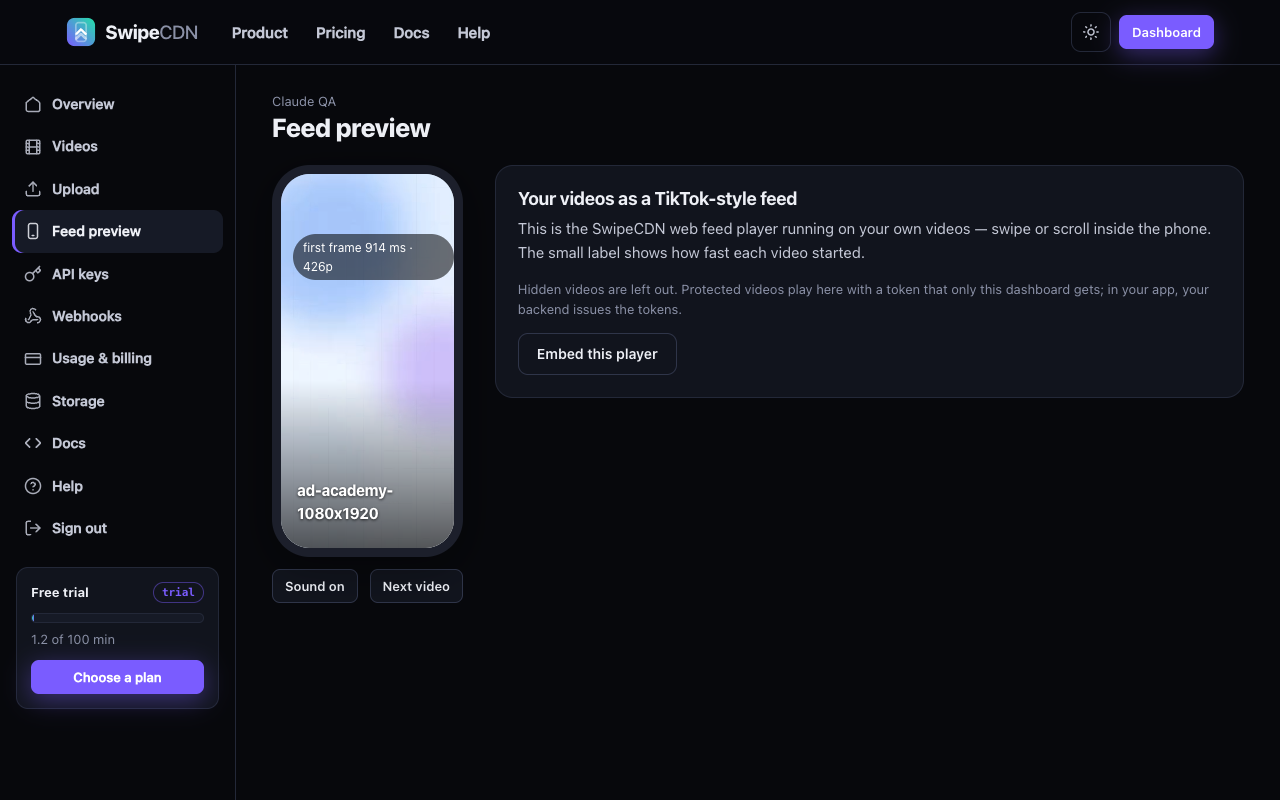
How do I see my videos as a TikTok-style feed?

  1. Open «Feed preview» in the dashboard.
  2. Swipe or scroll inside the phone frame; tap to pause.
  3. Tap «Sound on» to hear the audio.
  4. Use the code on the Docs page («Web feed player») to put the same feed on your site.
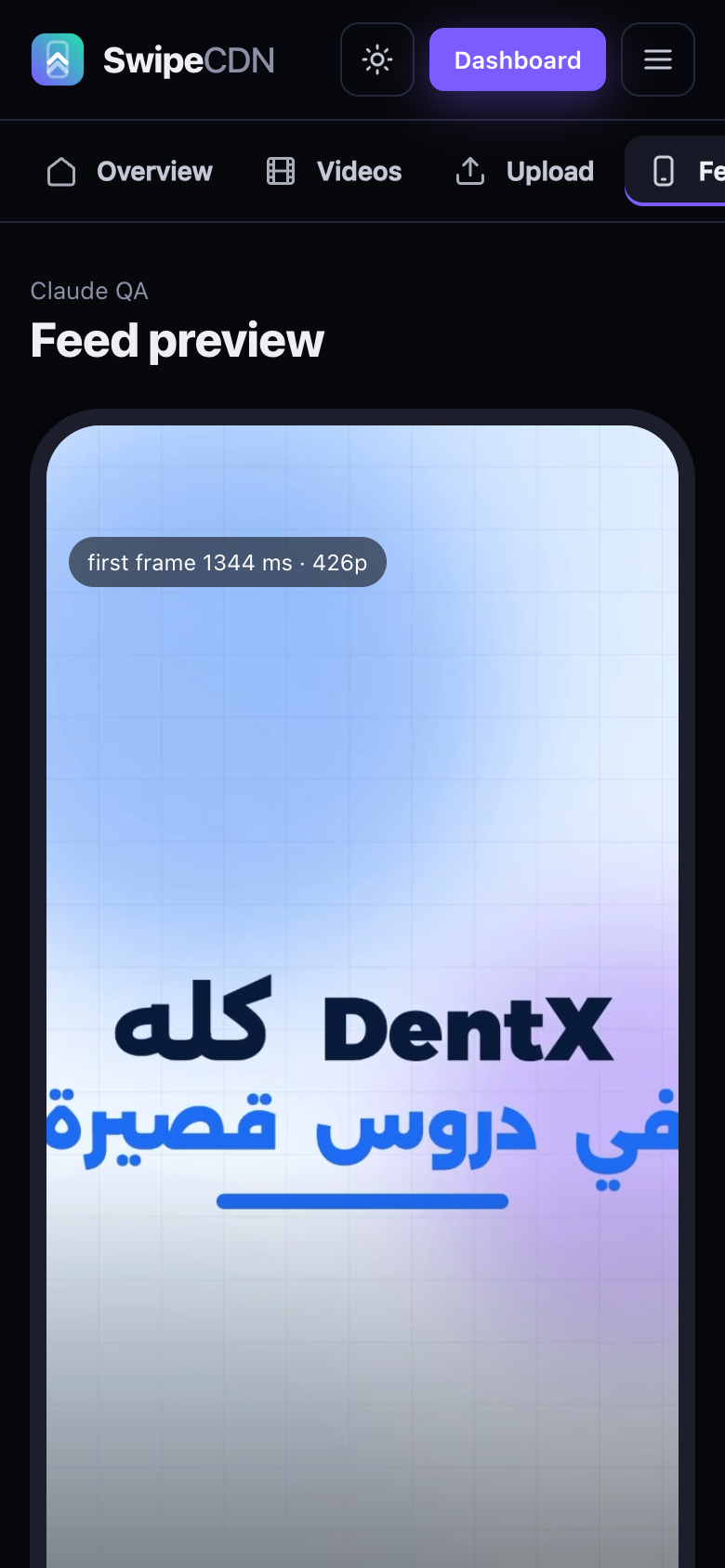
The screen on a phone
Was this helpful?

Related

Which link do I use to play a video?What is a protected video, and when should I use it?How do I play videos in a Flutter app?

Still need help?

Our team answers by e-mail.

Contact: contact@swipecdn.com

Developer docs