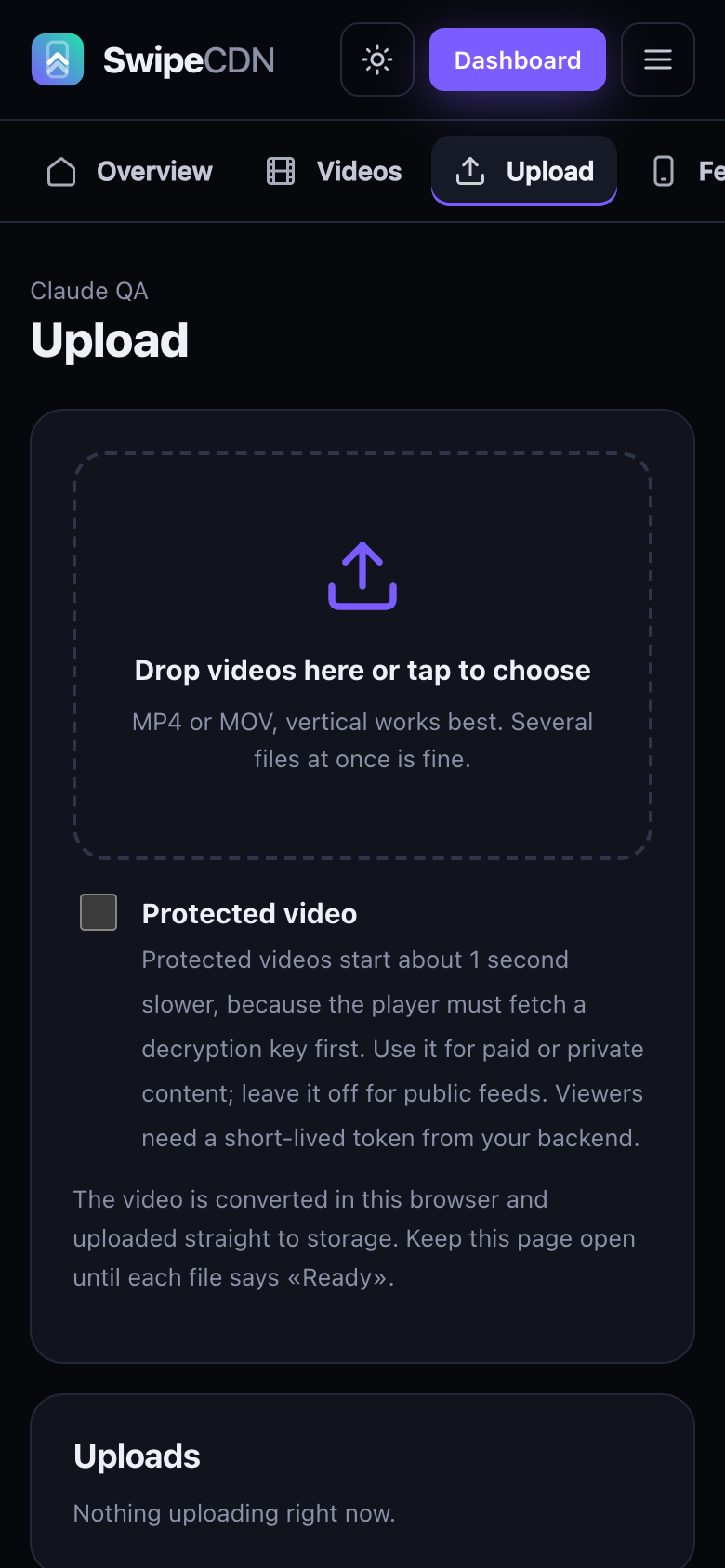
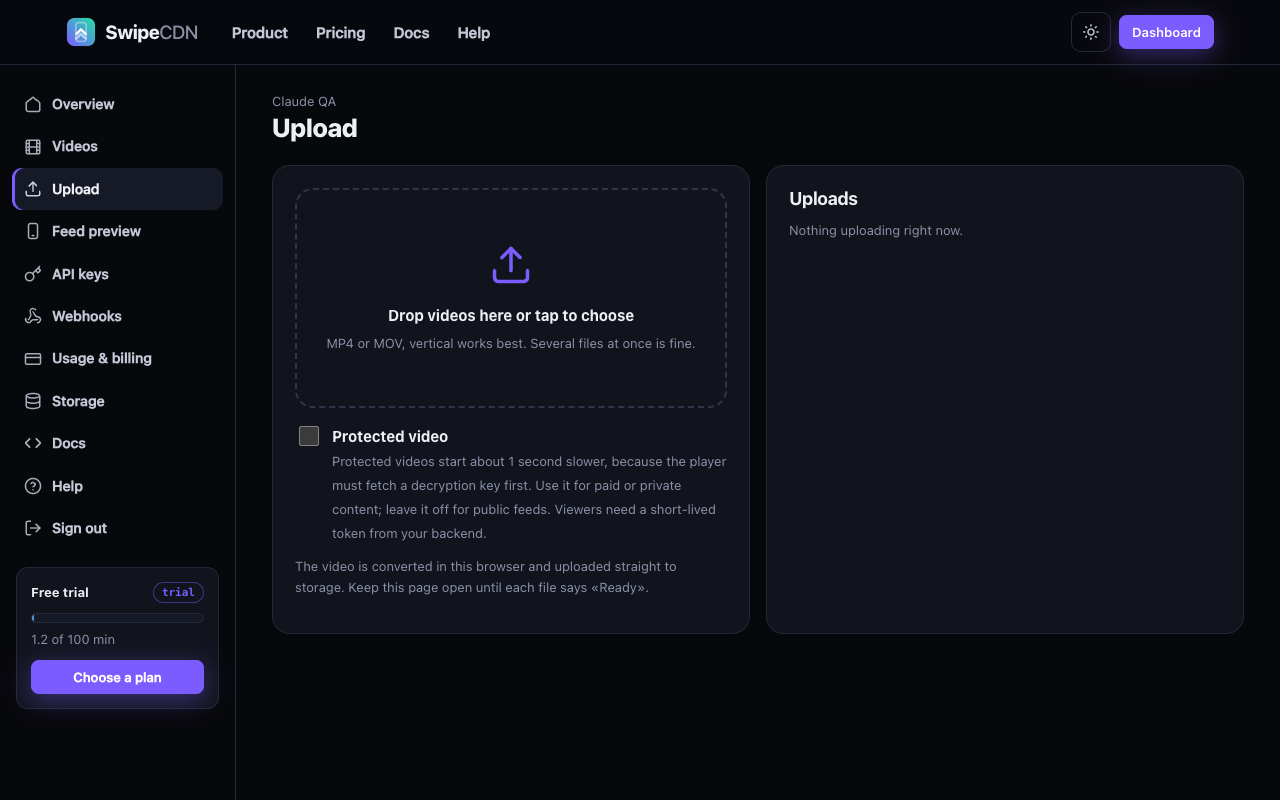
What is a protected video, and when should I use it?
- Tick «Protected video» before you upload (or set protected on an upload token).
- The video is encrypted and plays only with a short-lived viewer token that your backend creates.
- Create a playback signing key in «API keys» and follow «Protected video» in the Docs to mint tokens.
- Use it for paid or private content; leave it off for public feeds.
Protected videos start about 1 second slower, because the player must fetch a decryption key first. This is not DRM, and no web player can fully stop screen recording.