How do I upload a video from the dashboard?
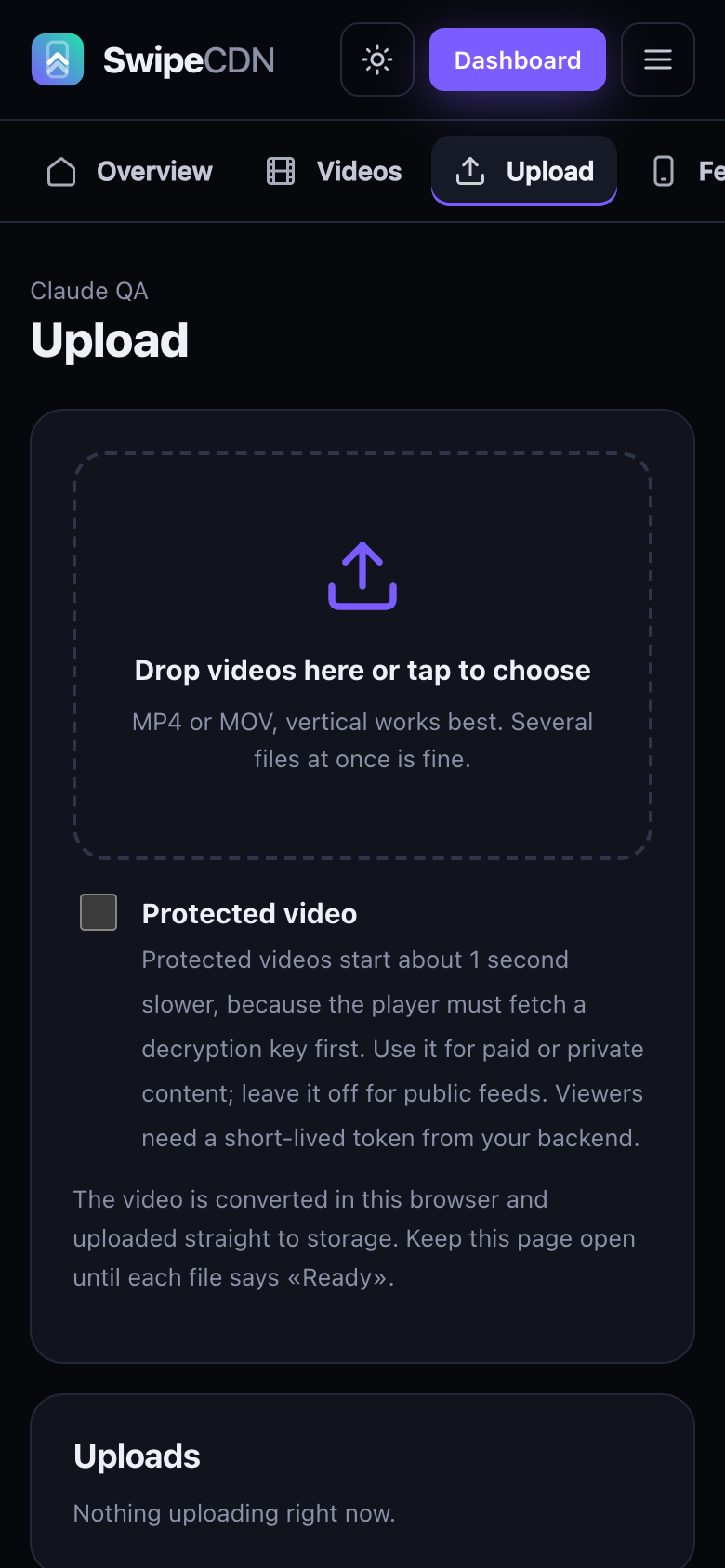
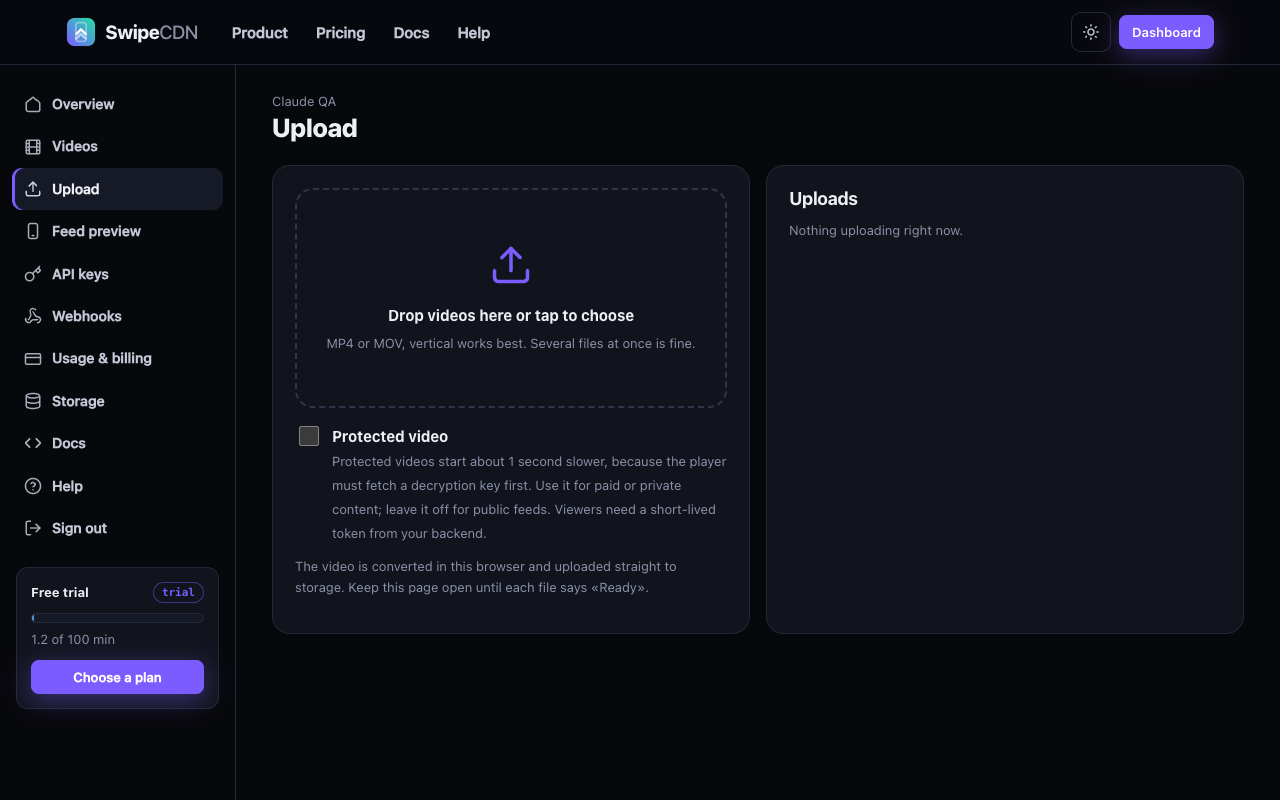
- Open the dashboard and tap «Upload».
- Tap the box (or drop files on it) and choose one or more videos.
- Leave «Protected video» off for a public feed.
- Keep the page open while each file shows «Converting» and then «Uploading».
- When it says «Ready», tap «Copy link» to copy the playback URL.
The conversion happens in your browser, so a recent Chrome, Edge or Safari is needed.