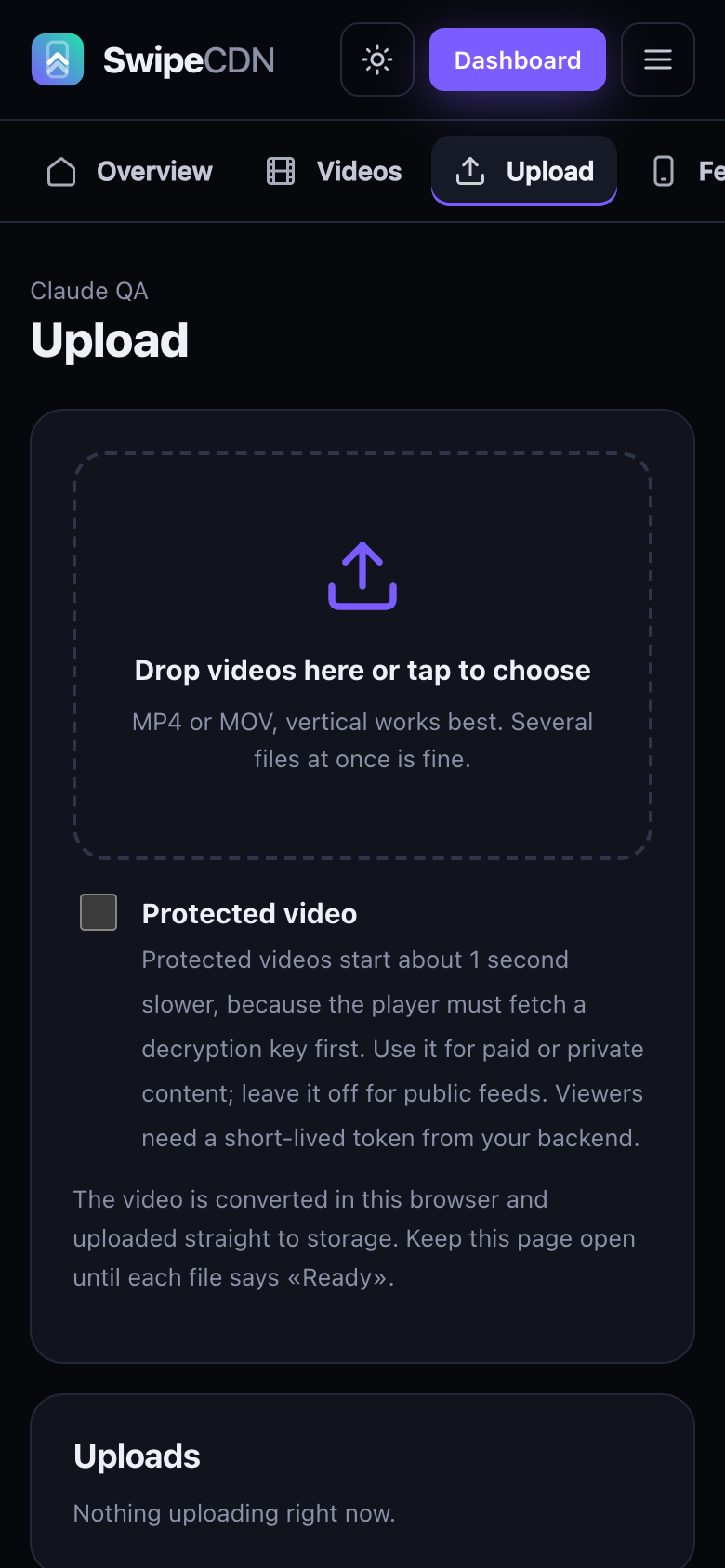
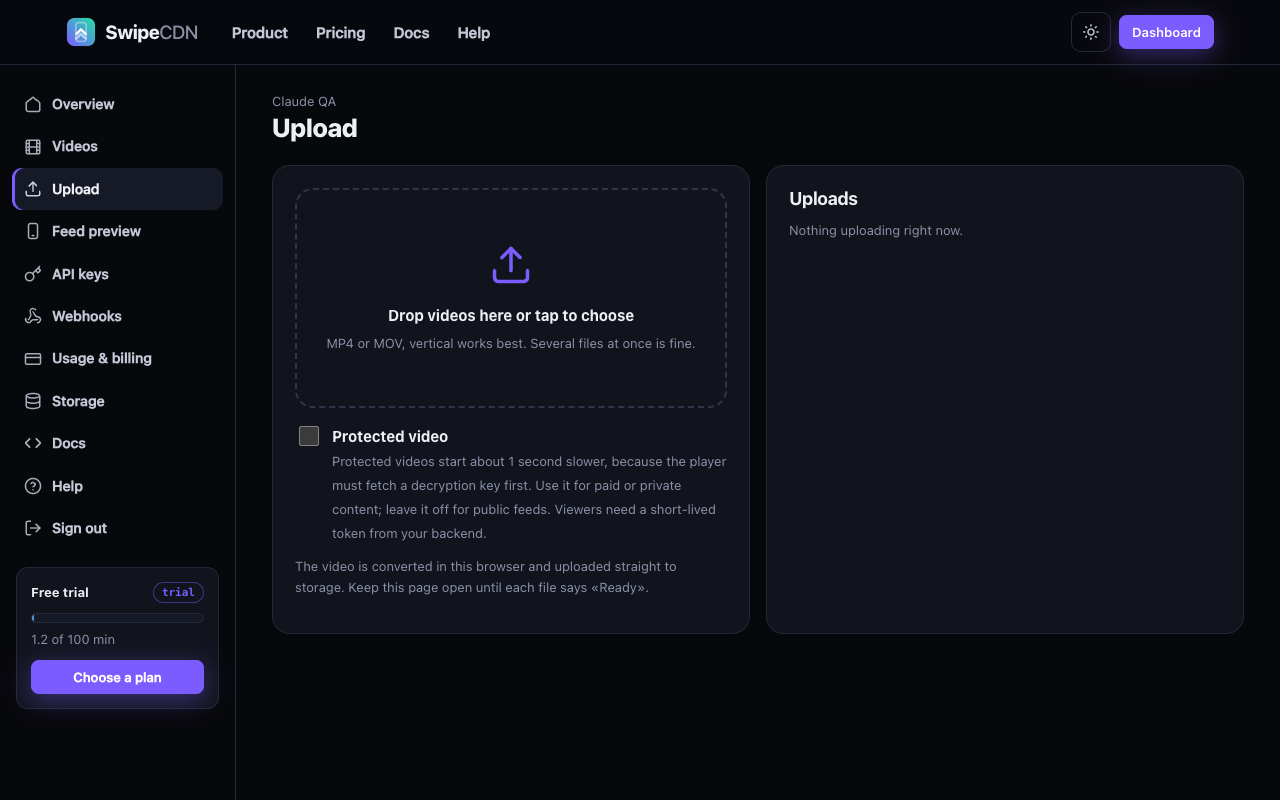
Why did my upload fail?
- «Not enough minutes left»: delete old videos or move to a bigger plan in «Usage & billing».
- «Uploads are paused»: your trial or plan has ended — choose a plan.
- On your own site, an origin error means the site's address is missing from «Allowed origins».
- «This browser cannot convert video»: update the browser or use Chrome, Edge or Safari.
- Tap «Try again» next to the file once the cause is fixed.