How do I add the upload button to my own admin panel?
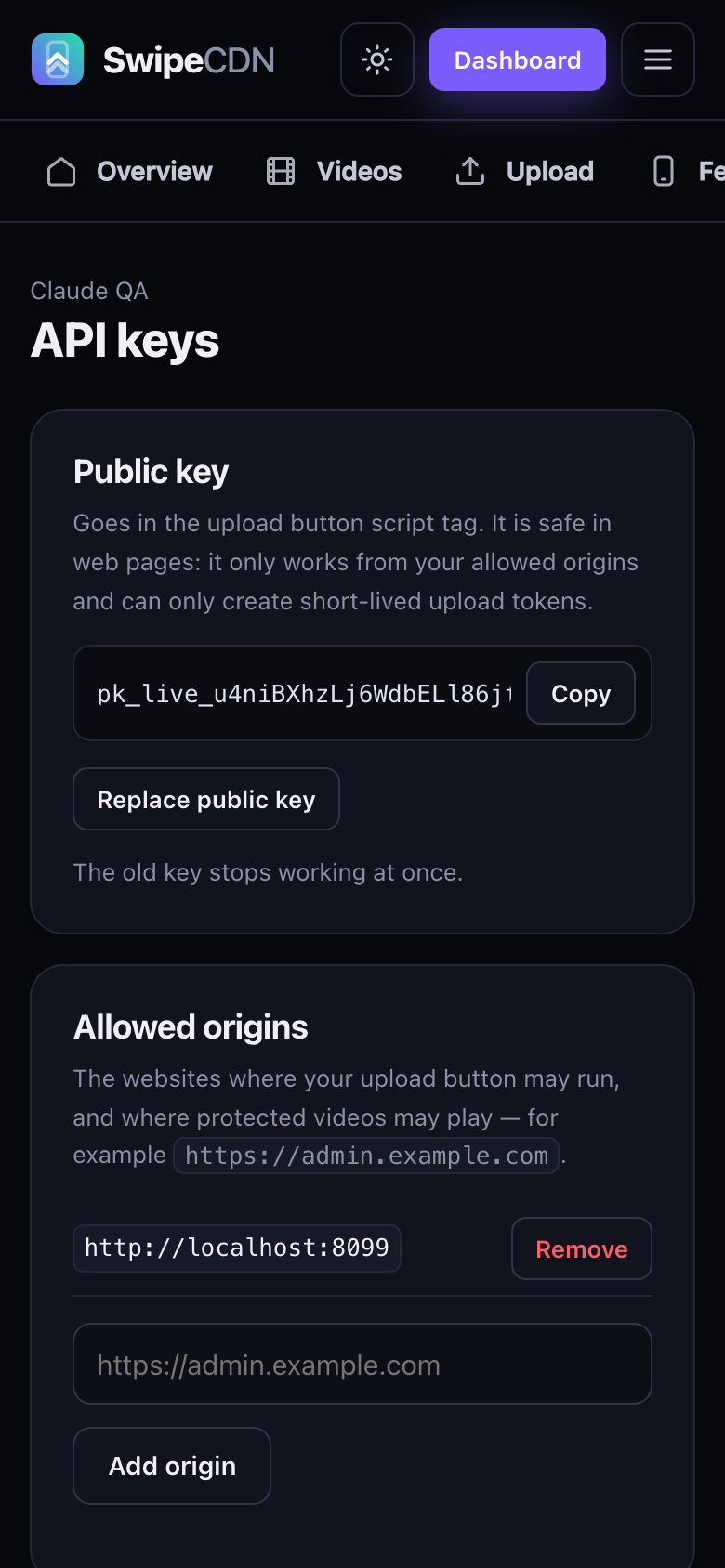
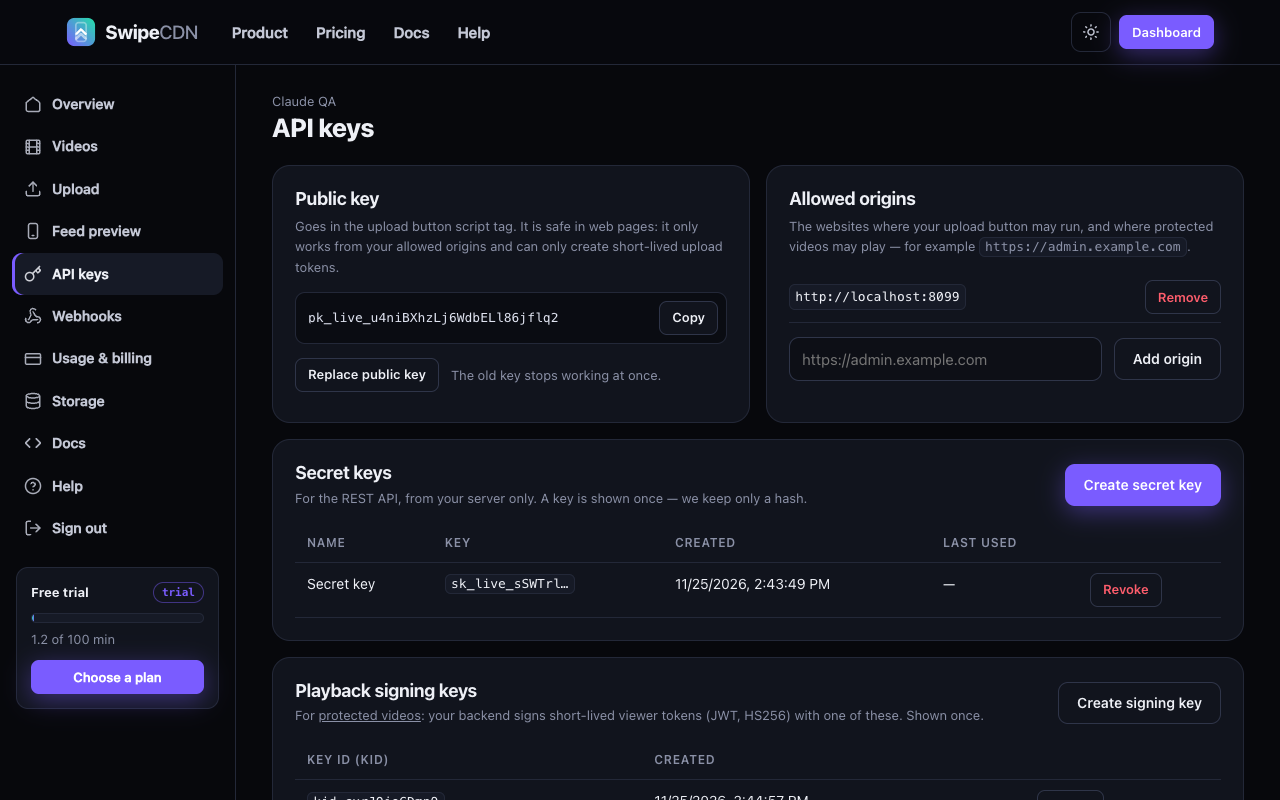
- In the dashboard open «API keys» and add your admin site's address under «Allowed origins», e.g. https://admin.example.com.
- Copy the two lines under «Get started» on the Overview page.
- Paste them into the admin page where your team adds items.
- Listen for the swipecdn:ready event and save the video ID or playback URL with your item.
We never need access to your site or server. The Docs page has the full list of attributes.